Deployments
Configure and set up your remote server deployment
To get started with multi-server, you'll need to configure the initial setup for your remote server. In the server's Setup Server dialog, this is the Maintenance tab.
Server Setup
The server setup process prepares the necessary environment for securely and efficiently deploying applications.
Important
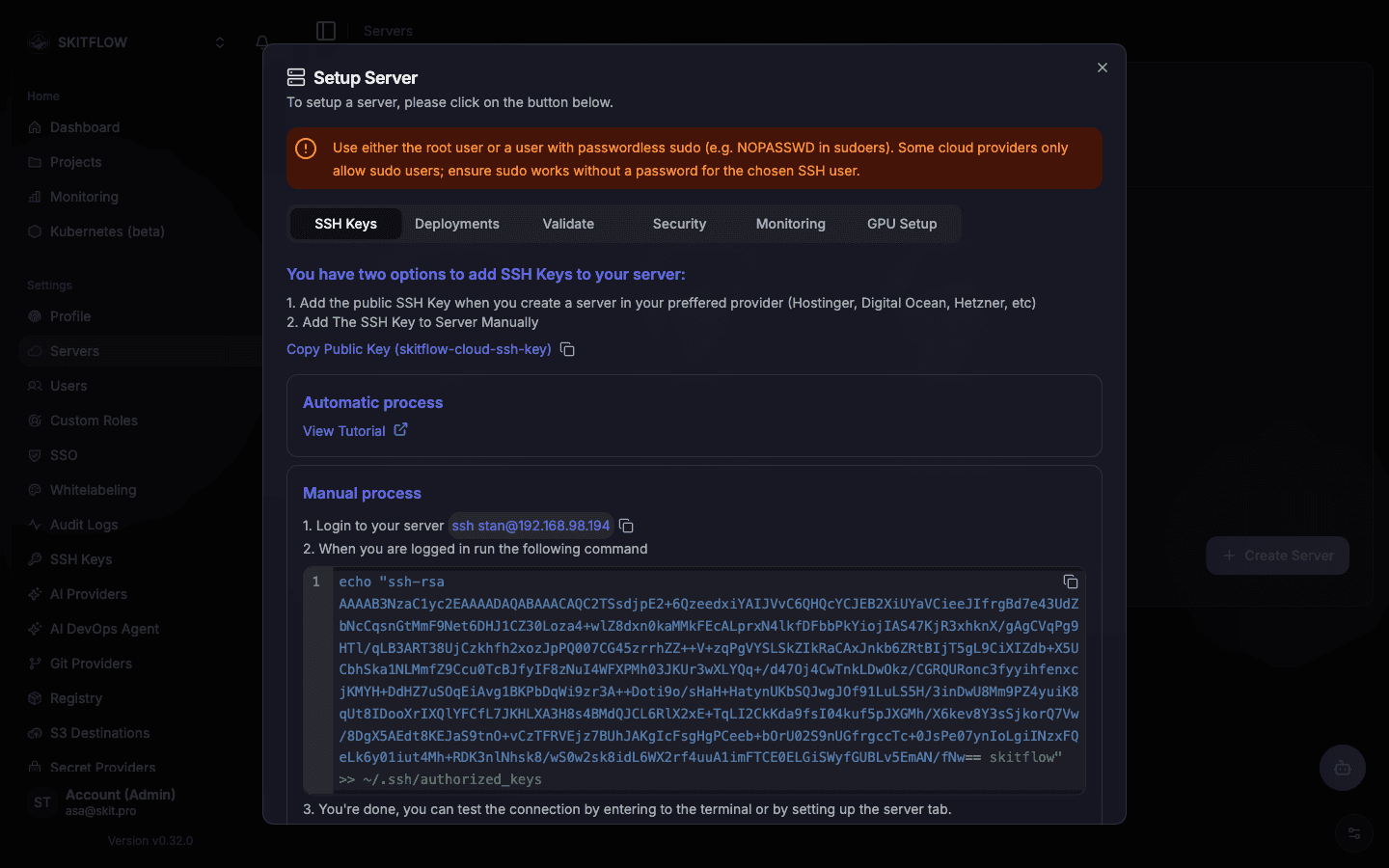
The SSH user must be root, or a user with passwordless sudo (NOPASSWD in sudoers) — some cloud providers only offer a non-root user by default, so make sure sudo works without a password prompt for the SSH user you pick.
If your remote server is configured with a different shell (other than bash), you must configure bash as the default shell, as Skitflow has been developed and tested with bash.
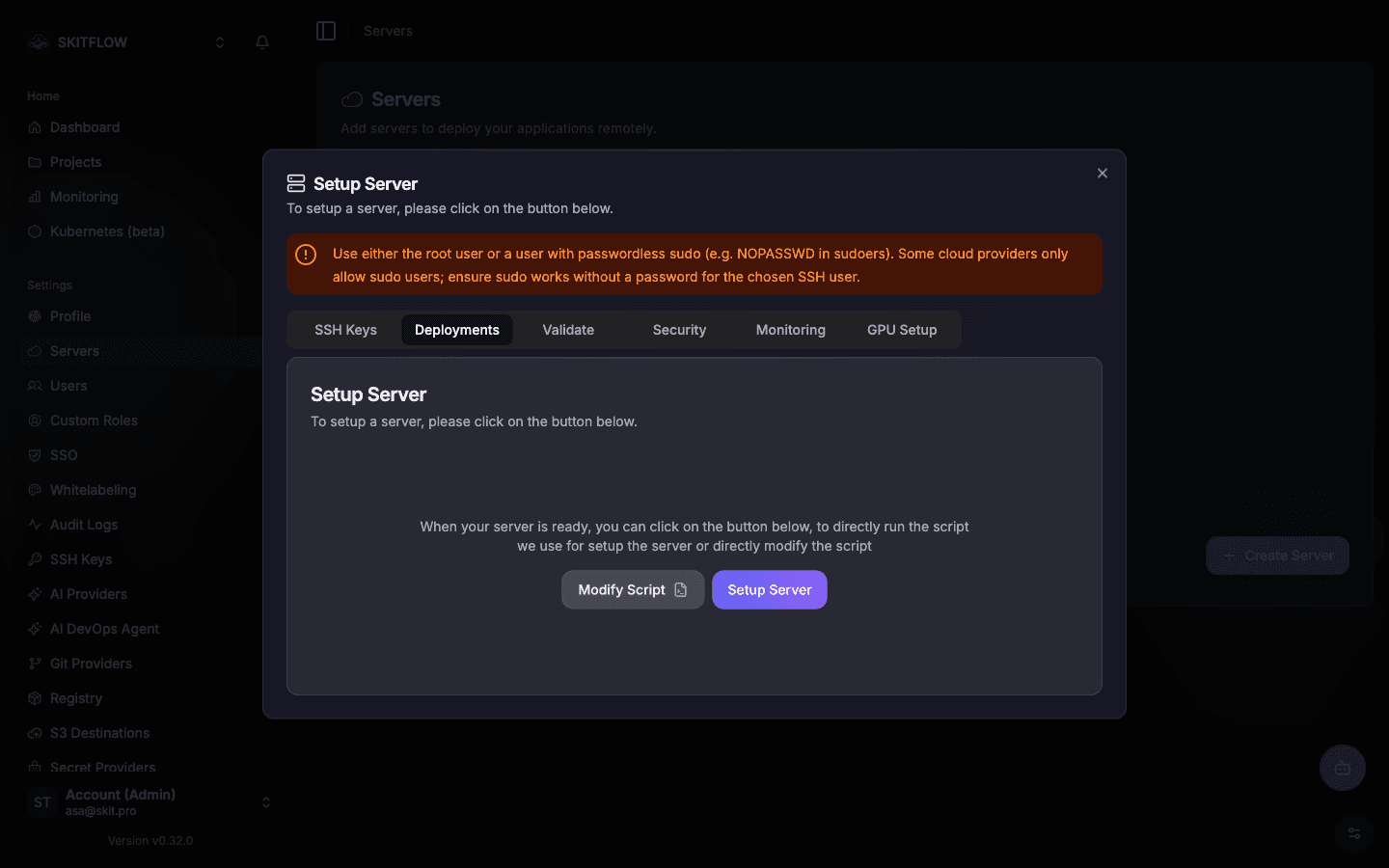
We provide two main actions to configure your server:
- Modify Script: Allows you to view and customize the installation script that will be executed on your server. You can adjust it according to your specific needs.
- Setup Server: Initiates the configuration process on the remote server. When clicked, it will open a modal window showing real-time logs of the script execution.
The same tab also keeps a history of every setup run on that server, each with its own log — including the run Skitflow performs automatically on its own manager node right after install.
Example of the server setup logs: